
How I Made This Site with Codex
I had the domain. I had the ChatGPT pro subscription. I had the time.
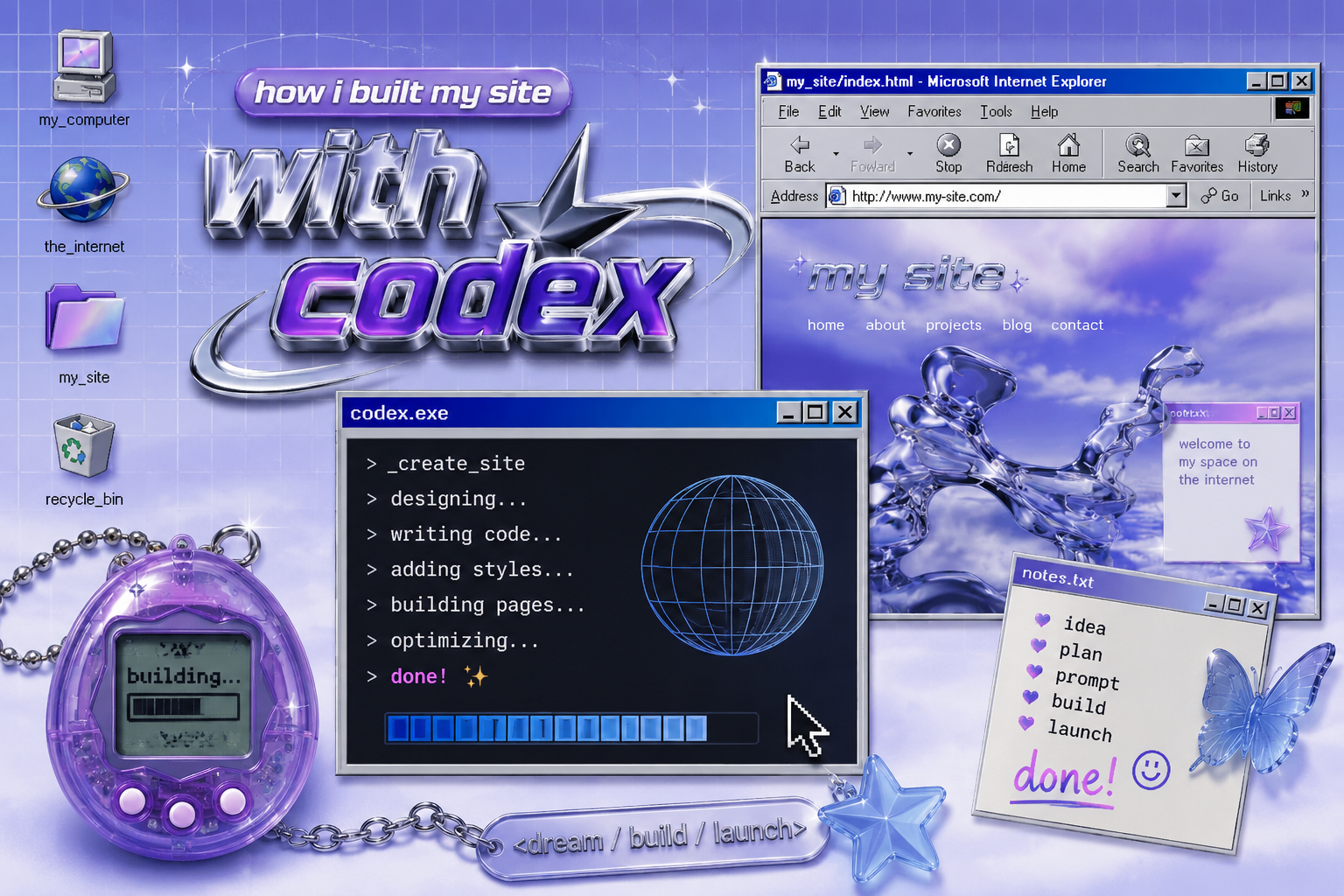
ironically contains AI generated images
“The tools matter. But the human behind it matters more.”
The Context
I already had the domain genlau.com, (also side note, a woman named Jennifer owns genevievelau.com and that’s rude) and it was just sitting there making me pay $20 a year for nothing. Then I had a the idea to put it to use but I also didn’t want to pay $120 a year for a website subscription either.
The interesting part wasn’t asking Codex to “make me a website.” It was learning how specific I needed to be when mentioning my existing assets and the vision I was going for.
Initially, my goal was to have something minimal and aesthetic. Then I realized, in a world where everyone is interacting with slick GPTs, we need a little color in our lives. I wanted to intentionally avoid the hyper-slick AI startup aesthetic because the internet already feels flattened by generated content. I wanted something that felt opinionated and human even if I used AI to build it. That being said, I know gen z/gen alpha is obsessed with y2k, but I actually lived it so I wanted to make sure my site had personality and reflected a “well I didn’t wish this was made with AI but I did it anyway to show employers that I know what I’m doing” attitude.
What Codex Helped With
Codex helped me put together all the steps I needed to create a website and connect it to my existing domain. My work experience really helped here though. As a martech manager at Oportun, having a technical foundation and understanding high-level fundamentals of networking came in clutch. The acronyms “DNS” and “CNAME” didn’t scare me away from this project because knowing the primary functions of GitHub and Cloudflare made sense to me and Terminal doesn’t seem like a developer’s black box.
Step 0: Make sure I could access my domain genlau.com
Step 1: Create a GitHub and Cloudflare account
Step 2: Prompt Codex
Step 3: Connect GitHub to Cloudflare
Step 4: Have Cloudflare create my page
Step 5: Connect my domain to my Cloudflare page
Step 6: Now I have a free website hosted on Cloudflare
I had to connect GitHub, Cloudflare Pages, DNS records and my existing domain registrar together in a way that agreed with each other. What this meant was learning a new flow about how requests actually travel. Domain registrar points traffic toward nameservers. Cloudflare manages DNS records. GitHub acts as the source repository. Cloudflare Pages watches the repo and automatically builds the site when I push changes.
At one point, I accidentally broke deployment permissions and spent 45 minutes tracking whether the issue lived in GitHub, Cloudflare Pages or in any of my auth tokens. Luckily, I have practice finding anomalies in data flows.
After a bit of authentication troubleshooting and nameserver updates, the current version of genlau.com was born.
What I Still Have to Decide
What’s going to live on here? I have a lot of feelings being in the job market in this current stage, and let’s be honest. AI is making this MESSY. But I know I can channel my feelings and thoughts into this project while using it as my portfolio.
The Takeaway
Yes, I used AI to build this website. But AI didn’t give me the domain, the technical foundation, the marketing background, or the creative direction. Could someone with no prior experience eventually build something similar with AI? Probably. What AI did for me was compress the time between idea and execution. The judgement, creative diretion, troubleshooting and point of view were all still very much human.
That’s what so many companies are missing in this conversation. The value isn’t in pushing buttons to generate a website. The value and impact are knowing what to build, why, and how to shape something that actually has a voice.
The tools matter. But the human behind it matters more.